Hays Den Multimedia Design & Marketing
  • HOME
  • SERVICES
  • CLIENTS
  • Get in Touch
  • Blog
  • Leave a Review
  • HOME
  • SERVICES
  • CLIENTS
  • Get in Touch
  • Blog
  • Leave a Review
Hays Den Multimedia Design & Marketing

Illustrator vs. Photoshop: Choosing the Right Tool for Graphic Design

10/26/2023

Comments

 
Picture
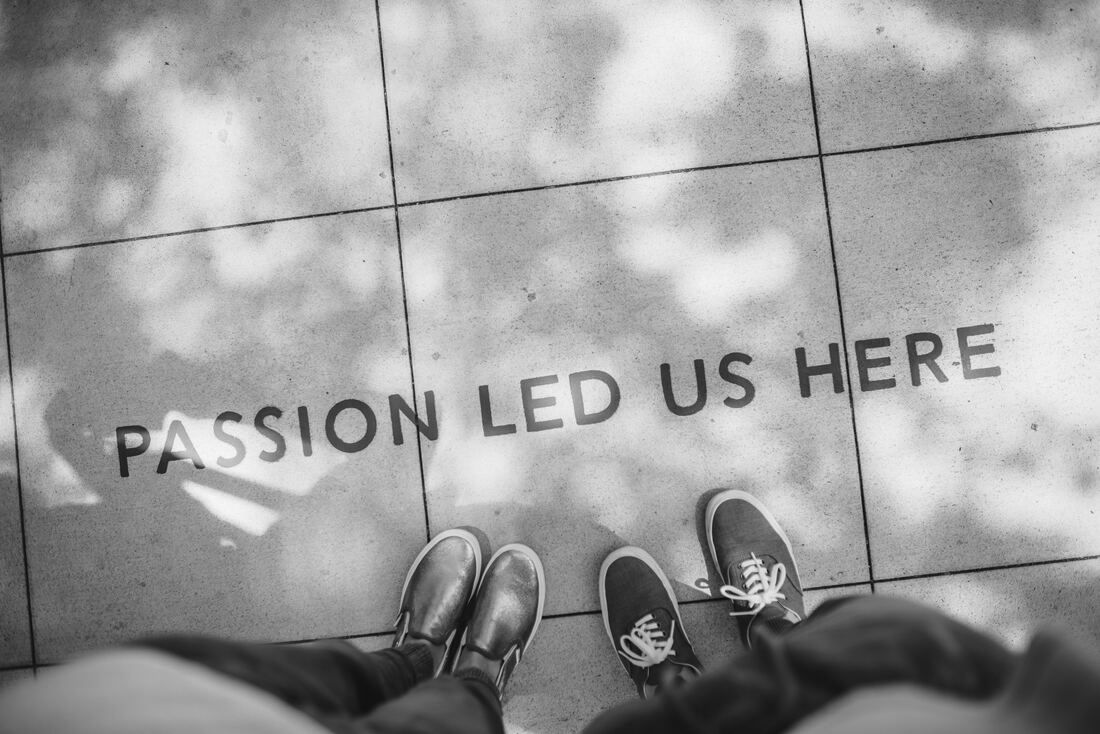
ian-schneider-TamMbr4okv4-unsplash
In the world of graphic design, two powerhouse tools stand out: Adobe Illustrator and Adobe Photoshop. Both are integral parts of the Adobe Creative Suite, and while they share some similarities, they serve distinct purposes. Choosing the right tool for a specific design task can significantly impact the outcome of a project. In this blog post, we’ll explore the strengths and differences between Illustrator and Photoshop, helping designers make informed decisions based on their specific needs.

Adobe Illustrator: Vector Wonderland
Adobe Illustrator is the go-to software for vector-based graphic design. It's ideal for creating scalable graphics such as logos, icons, illustrations, and typography. The primary advantage of Illustrator lies in its use of vector graphics, which are created using mathematical equations rather than pixels. This means that designs can be scaled infinitely without losing quality, making it perfect for anything that needs to be resized, like company logos.
Strengths of Illustrator:
  • Vector Graphics: Perfect for crisp, clean, and infinitely scalable designs.
  • Typography: Excellent for working with fonts and creating custom typography.
  • Illustrations: Ideal for detailed illustrations and complex artwork.
  • Logo Design: Widely used for creating professional logos due to its scalability.
  • Pen Tool: Precise control for creating intricate shapes and paths.

 Adobe Photoshop: Pixel Perfection
Photoshop is the go-to software for working with raster graphics, making it ideal for photo editing, digital painting, and web graphics. Raster graphics consist of pixels, which means they have a fixed resolution and can lose quality when scaled up. Photoshop’s strength lies in its vast array of brushes, filters, and effects, making it a favorite among photographers and digital artists.
Strengths of Photoshop:
  • Photo Editing: Perfect for retouching, color correction, and enhancing photos.
  • Digital Painting: Excellent for creating digital artwork and illustrations.
  • Texture and Detail: Great for manipulating textures and working with intricate details.
  • Layer Styles: Offers a wide range of layer effects for creative designs.
  • Photo Manipulation: Ideal for combining multiple images seamlessly.

Choosing the Right Tool:
  1. Consider the Project: If you’re designing a logo, icon, or any artwork that needs to be resized frequently, Illustrator is the way to go due to its vector capabilities. For photo manipulation, digital painting, or detailed editing, Photoshop is the better choice.
  2. Integration: Often, a project may require elements from both software. Luckily, Adobe has made it seamless to switch between programs using the Creative Cloud.
  3. Skillset: Your expertise with each software plays a significant role. If you are more comfortable with one over the other, your efficiency and creativity will be higher in that particular tool.
    ​
Conclusion
In the Illustrator vs. Photoshop debate, there is no clear winner. The choice between the two depends on the specific requirements of the project and the designer’s comfort and expertise. By understanding the strengths of both software and the nature of the task at hand, graphic designers can leverage the full potential of Adobe Illustrator and Photoshop, ensuring that their creations are not only visually stunning but also tailored to meet the unique demands of each project. Whether it's crisp vectors or pixel-perfect images, Adobe’s versatile toolkit has designers covered, empowering them to bring their creative visions to life.
Comments
    Picture
    Go Back

    Welcome to Hays Den. We are a small and friendly team of Design and Marketing experts.

    Our services include: Print and Digital Graphic Design, Website Design and Development, Social Media and Content Marketing, Sponsored Advertising and Search Engine Optimisation.

    To discuss your project please click on the link below to get in touch today.
    Get in touch
    Call Now
    Send Email

    RSS Feed

HaysDen Freelance Graphic Design Tonbridge Kent Creative Marketing Portfolio
t: 07460735737
e: hayley.creasey@haysden.com
Services include:
| Print & Digital Graphic Design
| Social Media & Content Marketing
| Website Design, Development & SEO
| Video Editing, Production & Filmography
| Branding & UIUX Design
What areas do we cover in Kent? Dover, Rochester, Whitstable, Sandwich, Canterbury, City of Canterbury, Herne Bay, Margate, Chatham, Tenterden, Maidstone, Tonbridge, Gravesend, Ramsgate, Royal Tunbridge Wells, Faversham, Broadstairs, Hythe, Ashford, New Romney, Sittingbourne, Wye, Aylesford, Goudhurst, Biddenden, Deal, Edenbridge, Dartford, Fordwich, Lydd, Chilham, Westerham, Sevenoaks, Sheerness, Dymchurch, Hever, Strood, Chiddingstone, Gillingham, Hawkhurst, Queenborough, Snodland, Elham, Reculver, Swanscombe, Walmer, Igtham, Penshurst. Plus all surrounding counties including Sussex and London.

We're happy to help all clients across the UK and beyond. Please get in touch today to discuss your next project.
Terms and conditions | Contract and Service Agreement | Privacy Policy